01
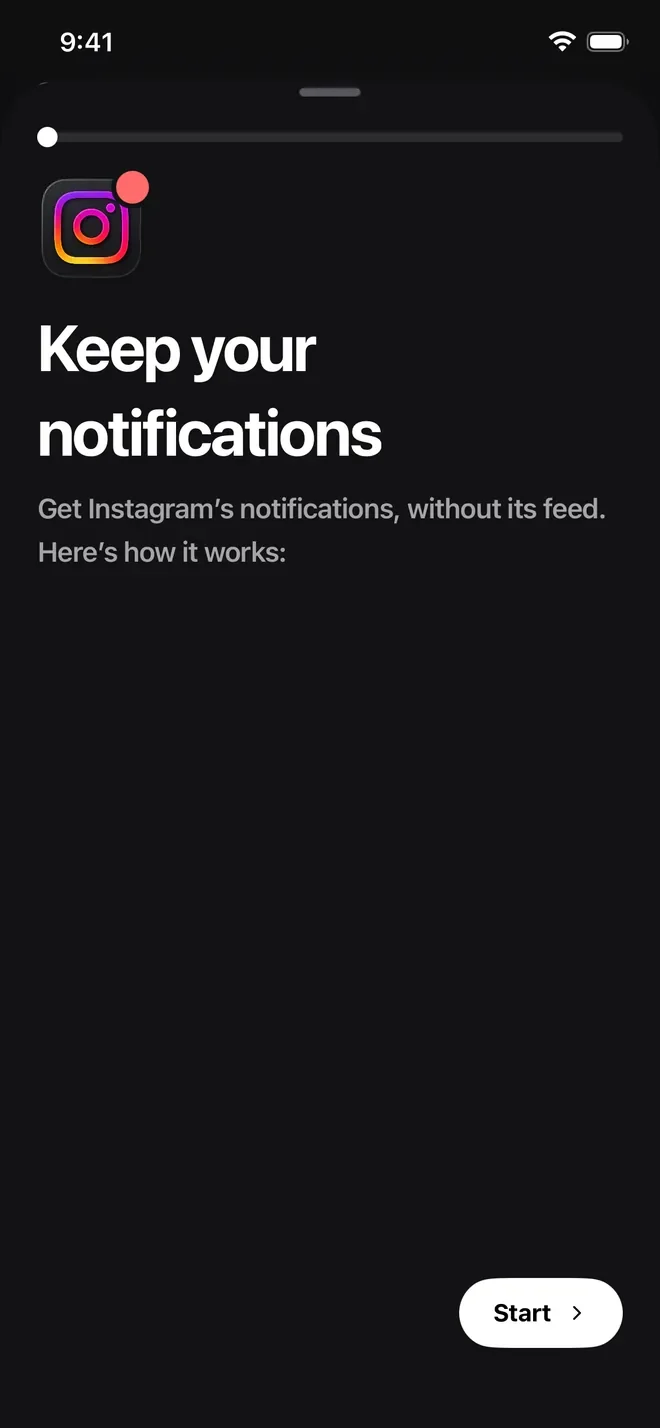
Keep the notifications.
Lose the feed.
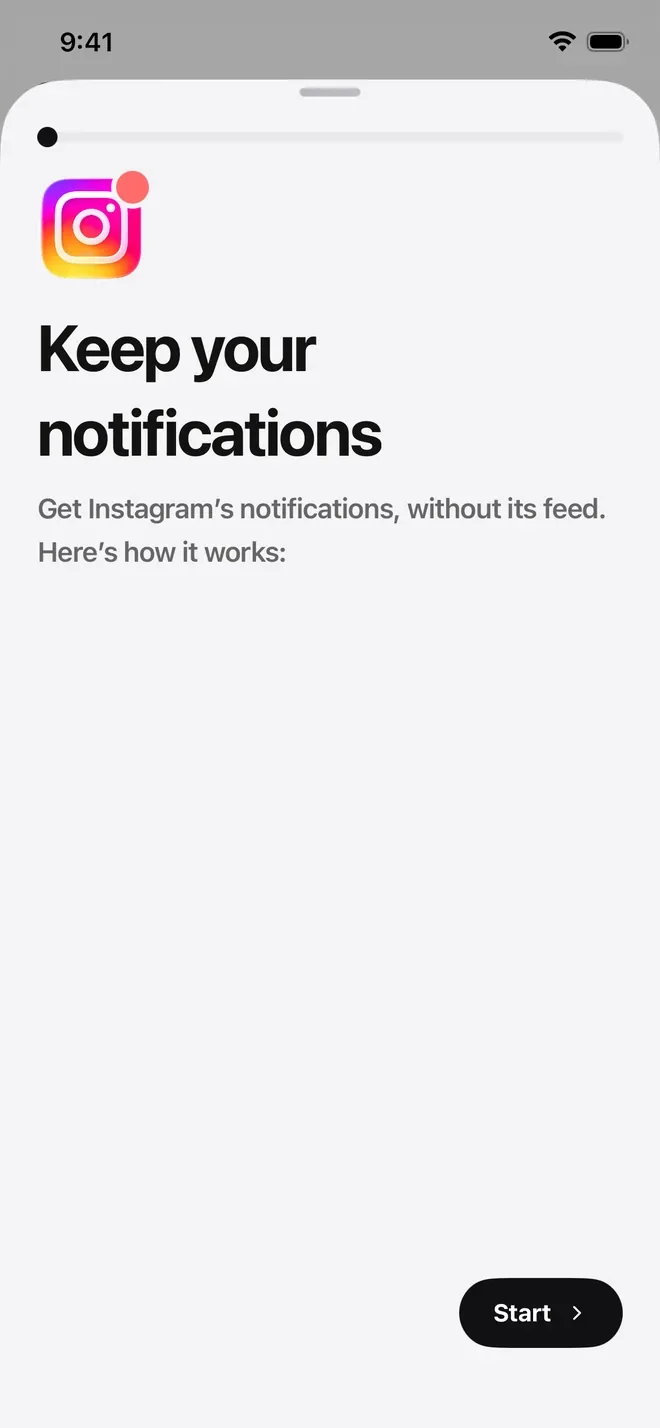
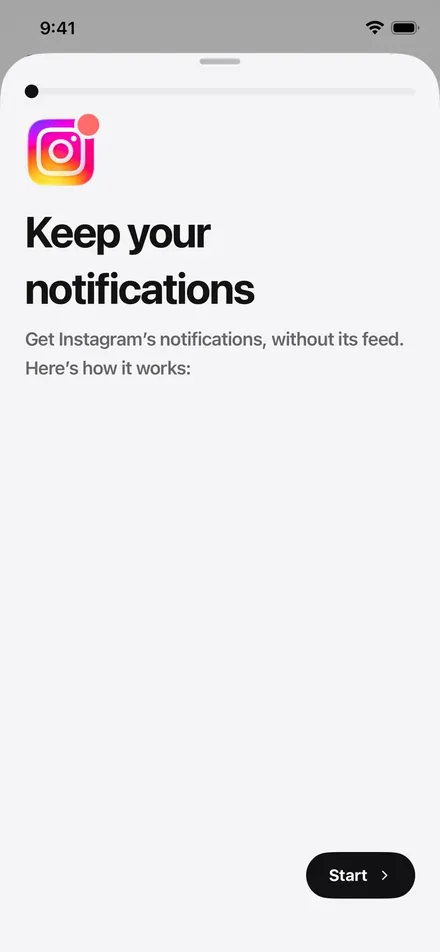
Instagram's banners and DMs keep coming while its feed stays shut. Tap one and you land in Scrolled, right on Instagram. A short guide in Settings sets it up.
 Scrolled
For iPhone · Out now
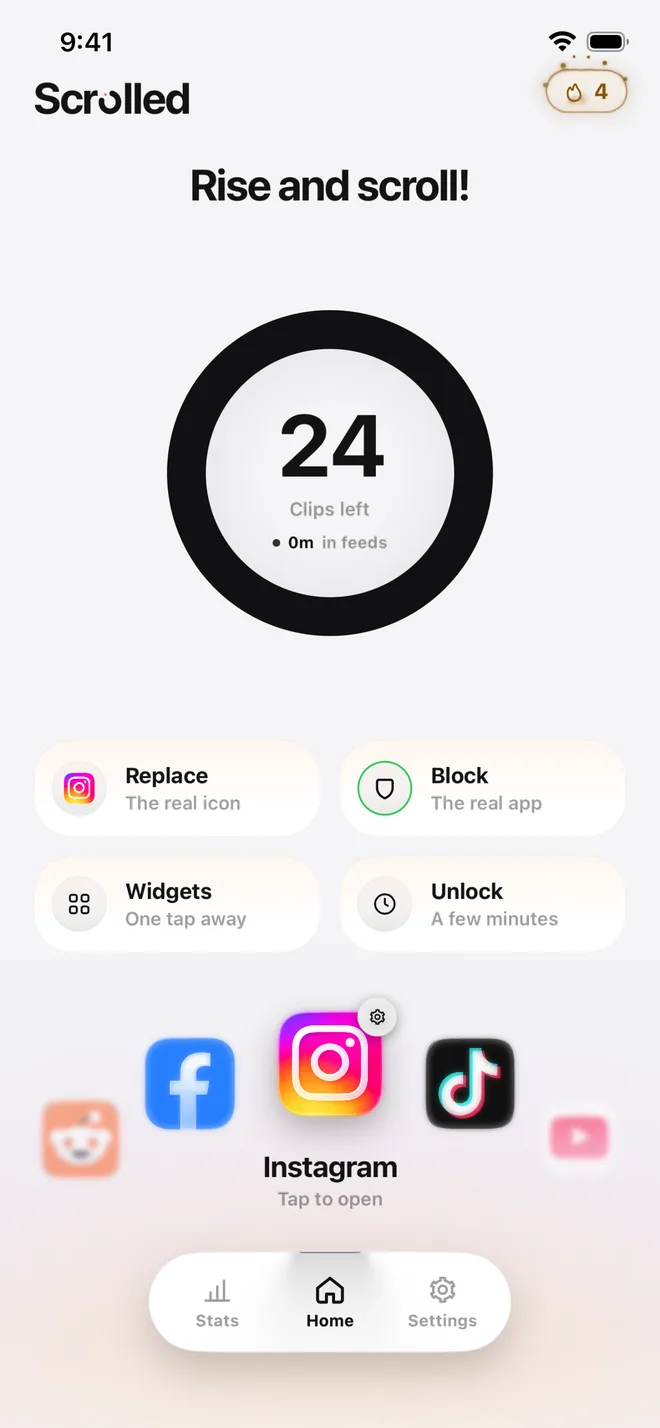
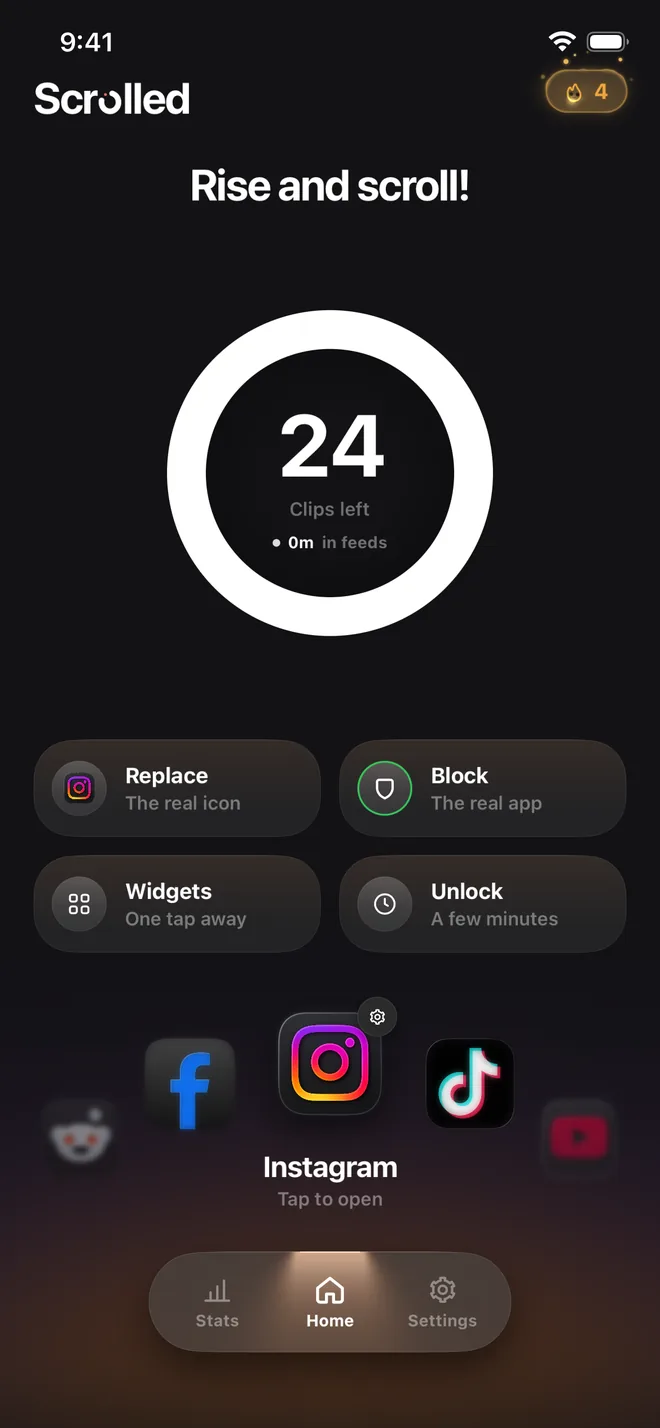
Instagram, TikTok, YouTube and the rest, with a bottom again. You pick how many clips a day. When they're spent, the feed ends until tomorrow.

Scrolled takes the less out of endless
It's the only thing it takes.
Works with Instagram, TikTok, YouTube, X, Reddit and Facebook
App privacy
Data Not Collected
The developer does not collect any data from this app.
Works with Instagram, TikTok, YouTube, X, Reddit and Facebook
Same feed as always.
Your own accounts, your own feed, inside Scrolled. Keep scrolling.
Every clip counts.
You picked the number. Scrolled keeps count, clip by clip.
Last one.
No willpower required. The feed knows when it's done.
And then it ends.
All caught up until tomorrow. Your messages, your profile and everything that isn't the endless feed stay open.
01
Instagram's banners and DMs keep coming while its feed stays shut. Tap one and you land in Scrolled, right on Instagram. A short guide in Settings sets it up.
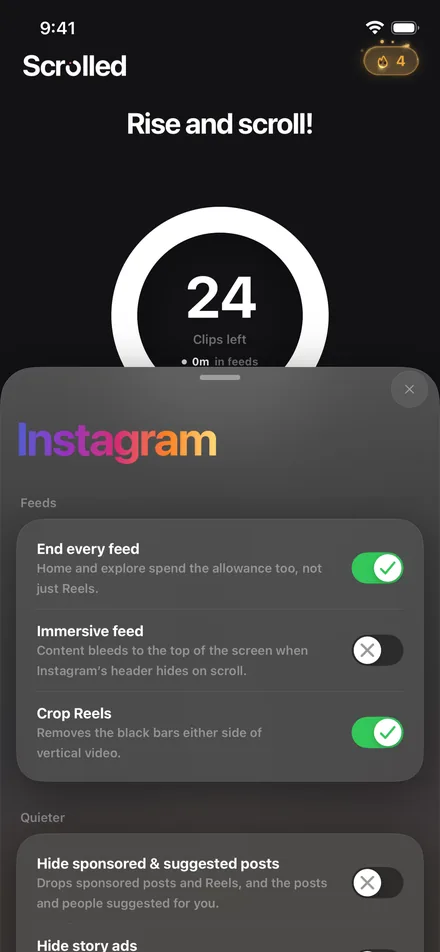
02
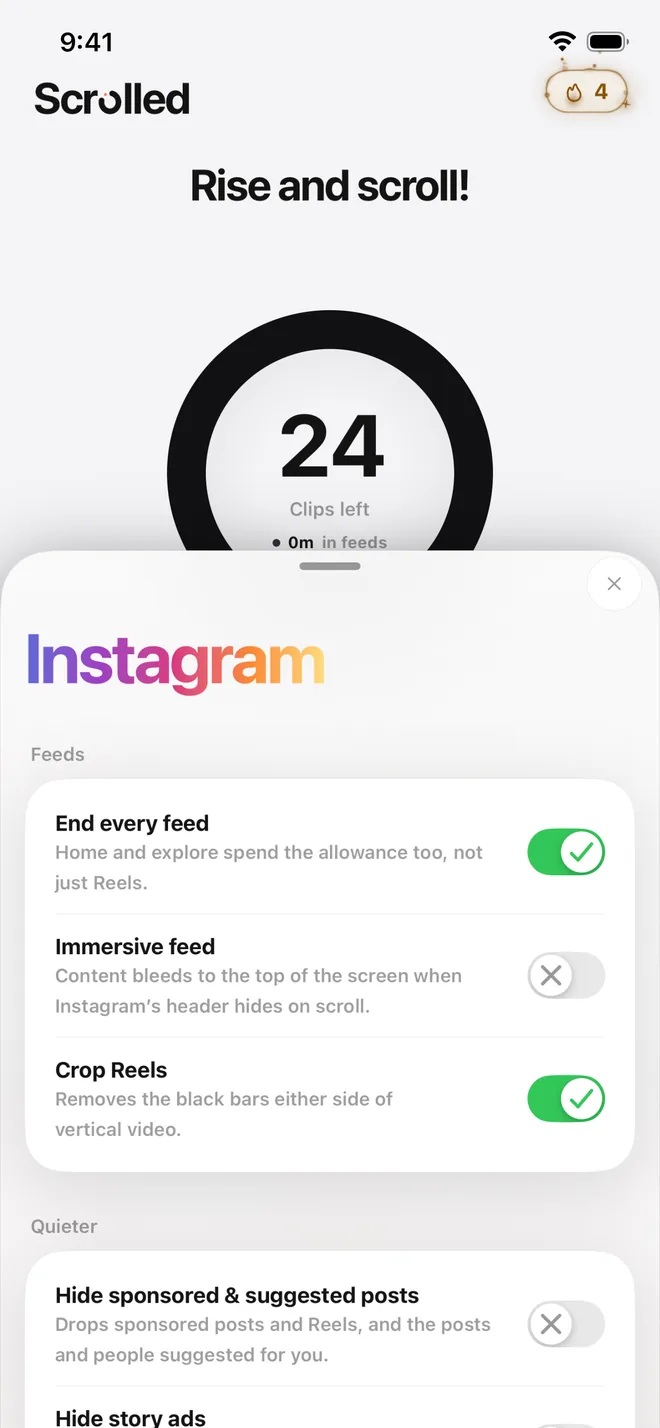
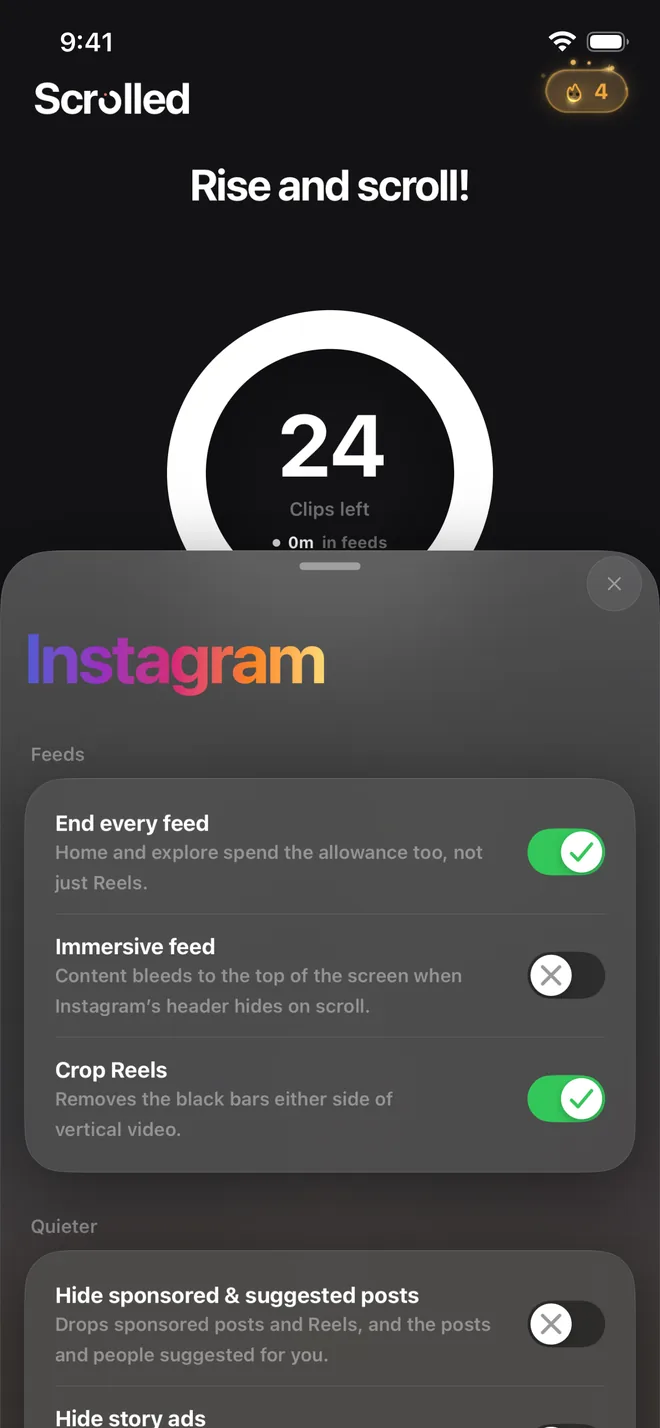
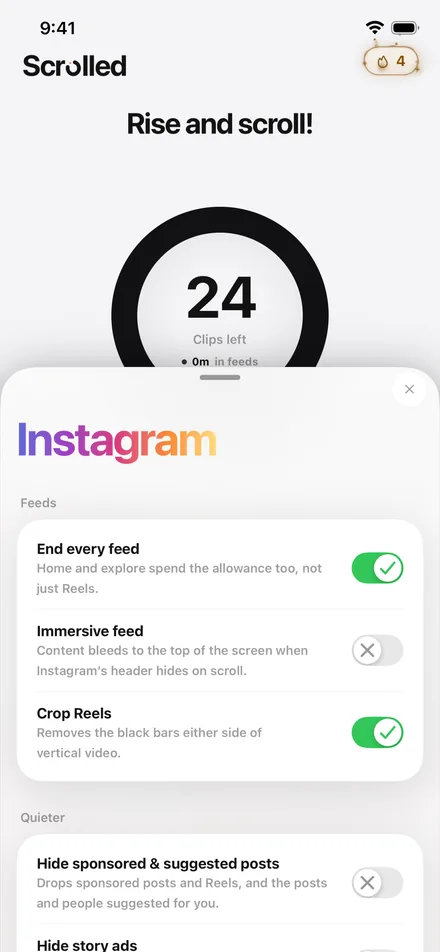
Each feed has its own switches. Make home and explore count too, not just Reels. Trim the black bars off Reels, or let the feed run up under the header.
03
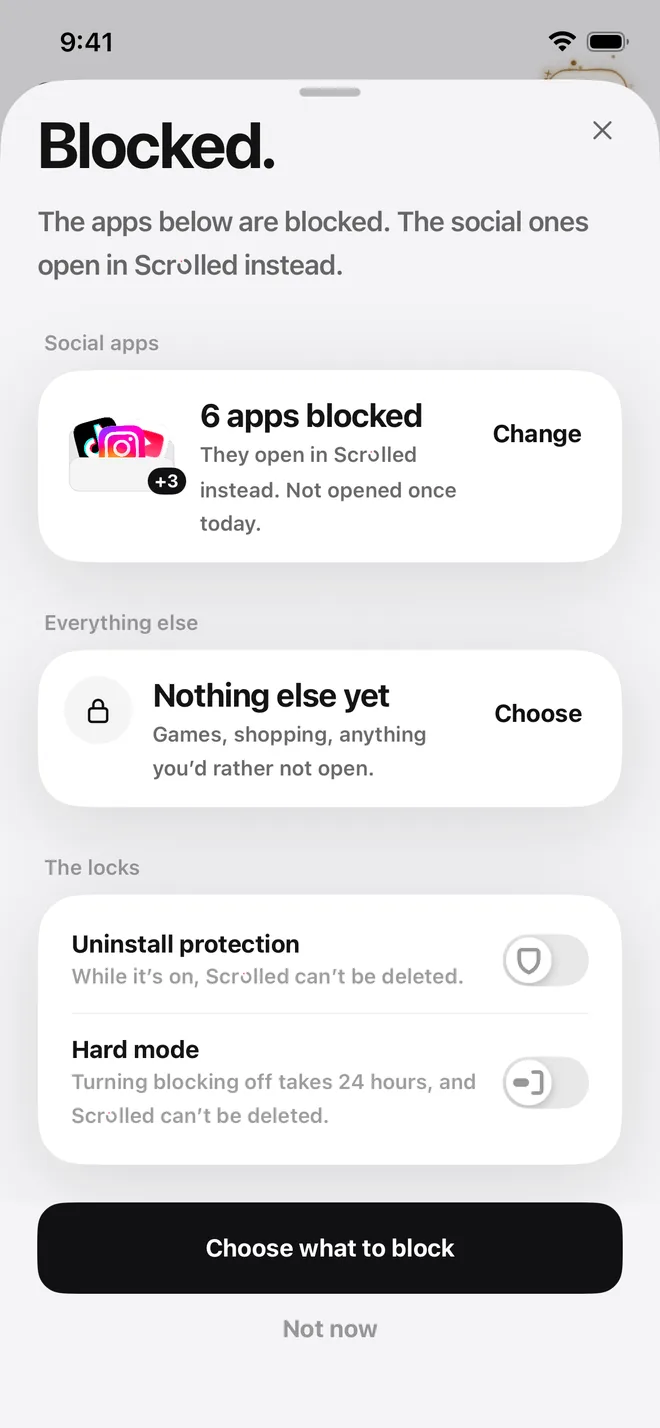
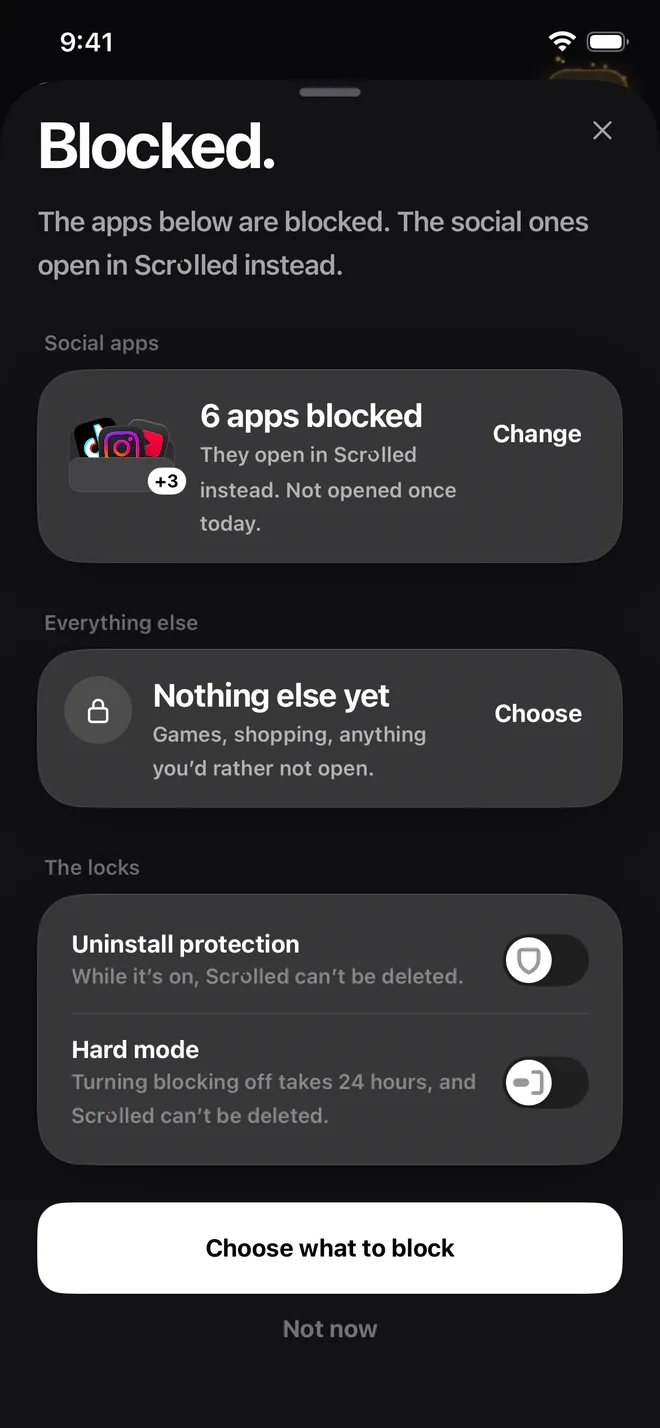
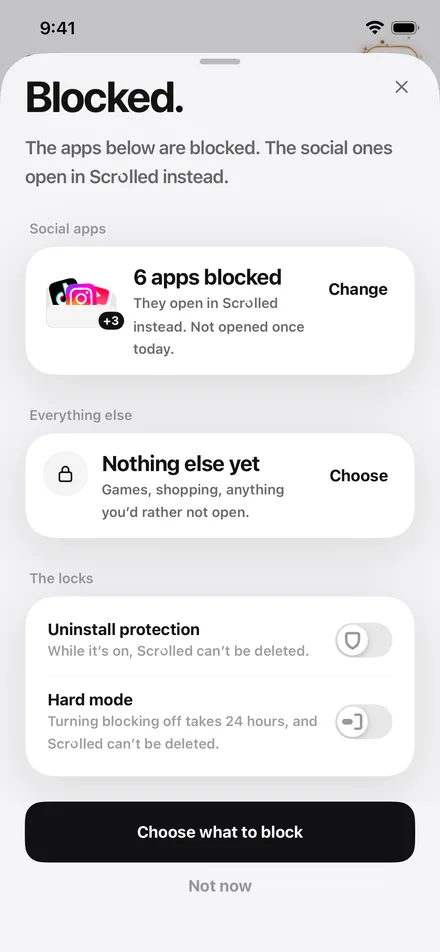
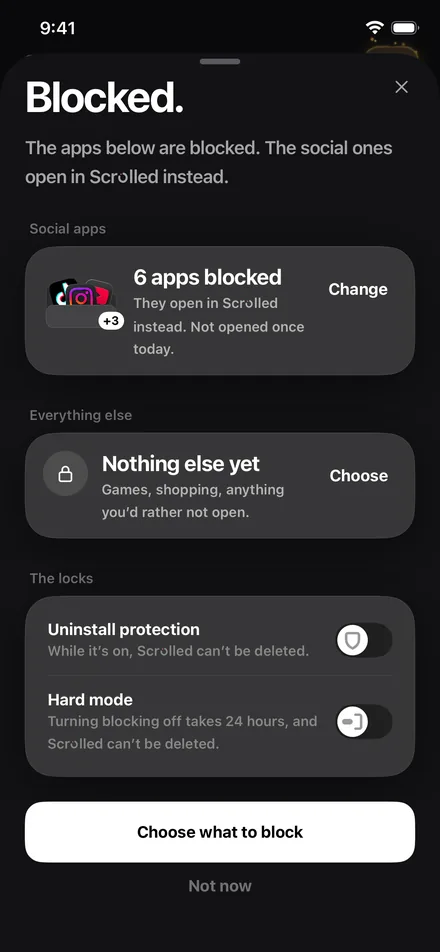
With your permission, Scrolled uses Apple's Screen Time to keep the original apps shut, plus anything else you'd rather not open, like games or shopping. Need the real app for something? Unlock it for a few minutes.
04
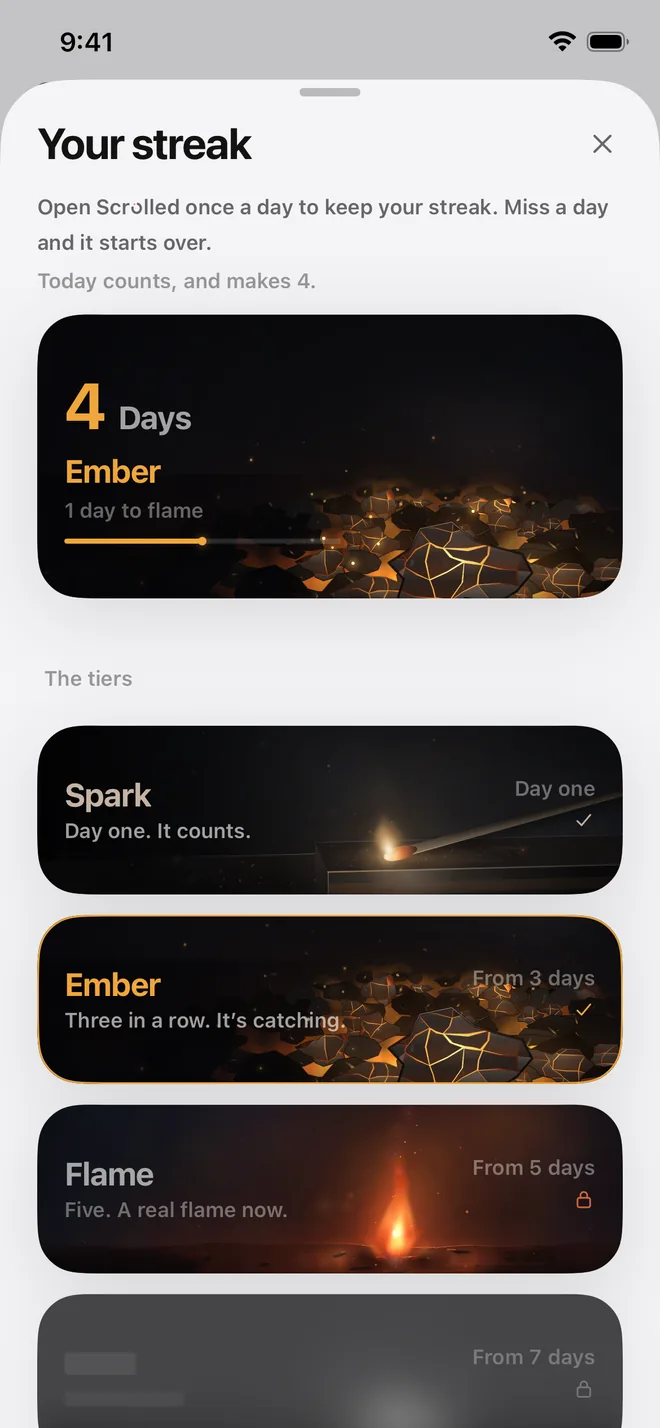
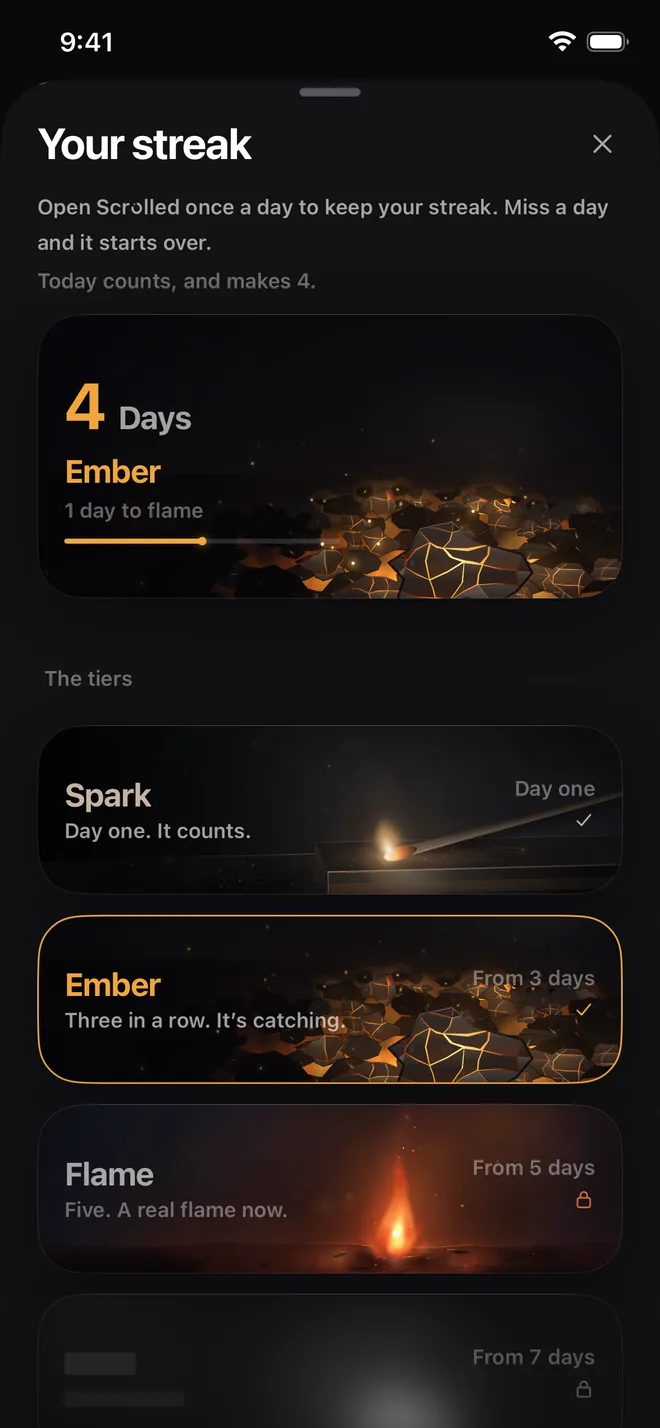
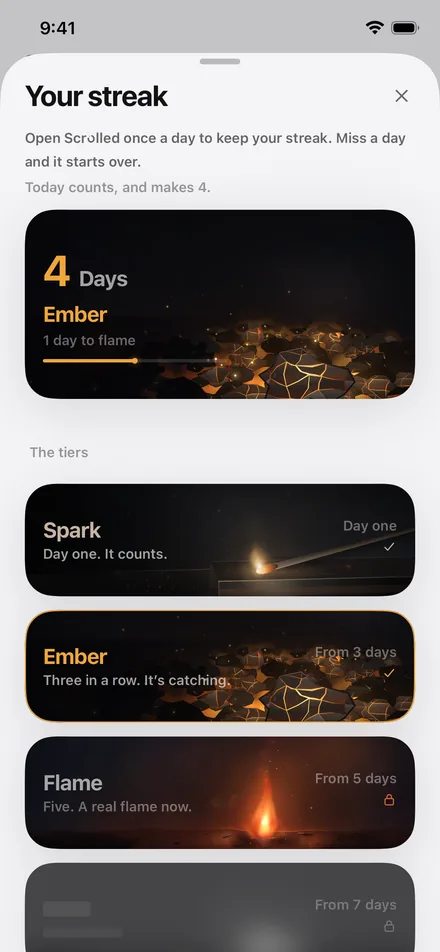
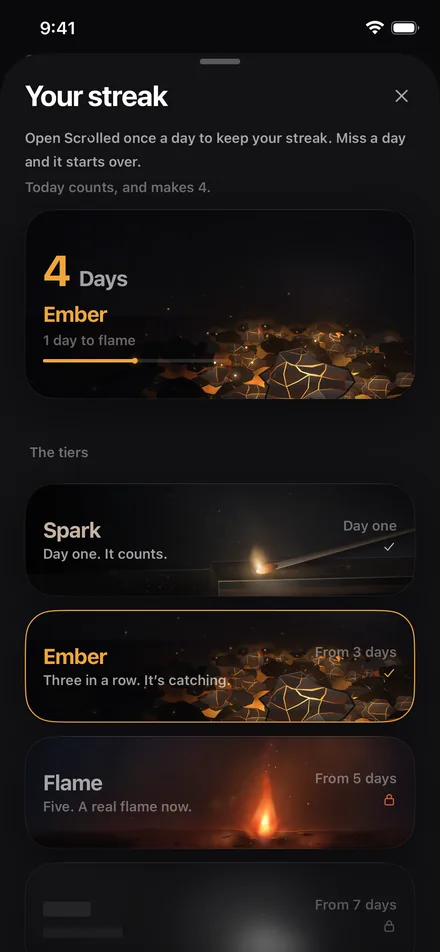
Open Scrolled once a day and watch it grow: spark, then ember, then flame. What comes after that, you'll have to find out.
05
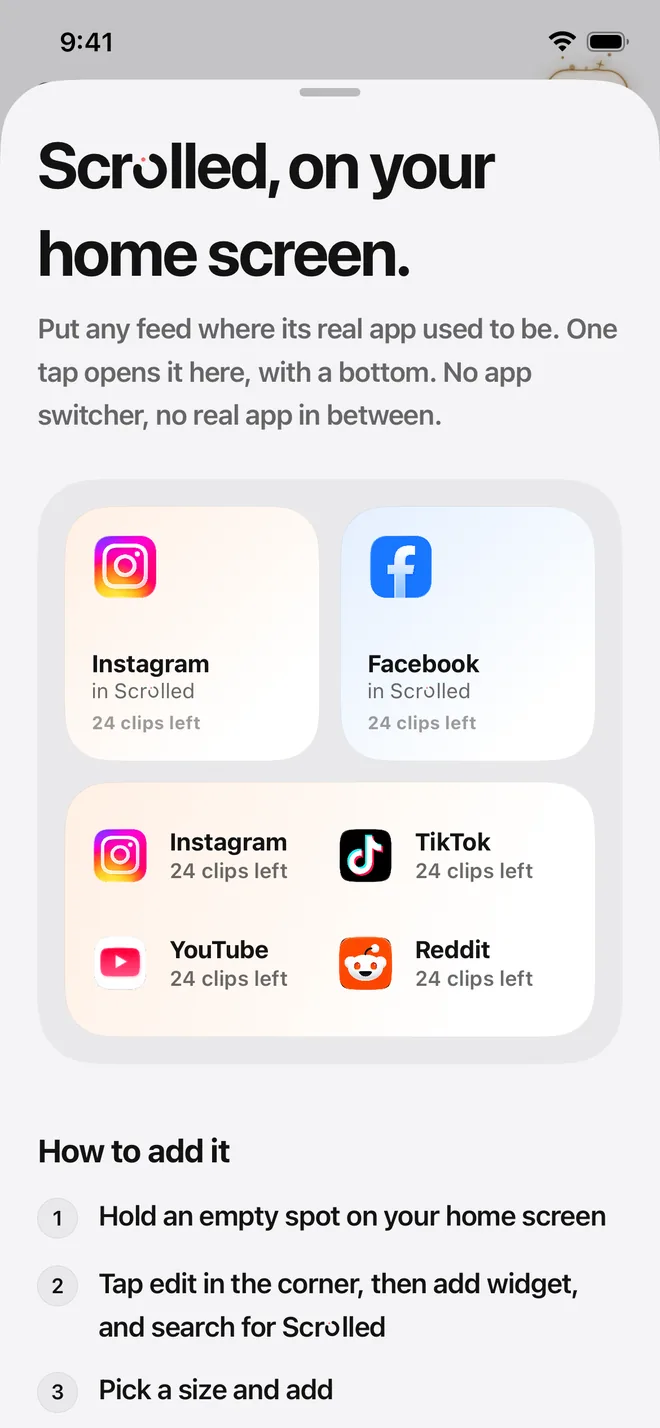
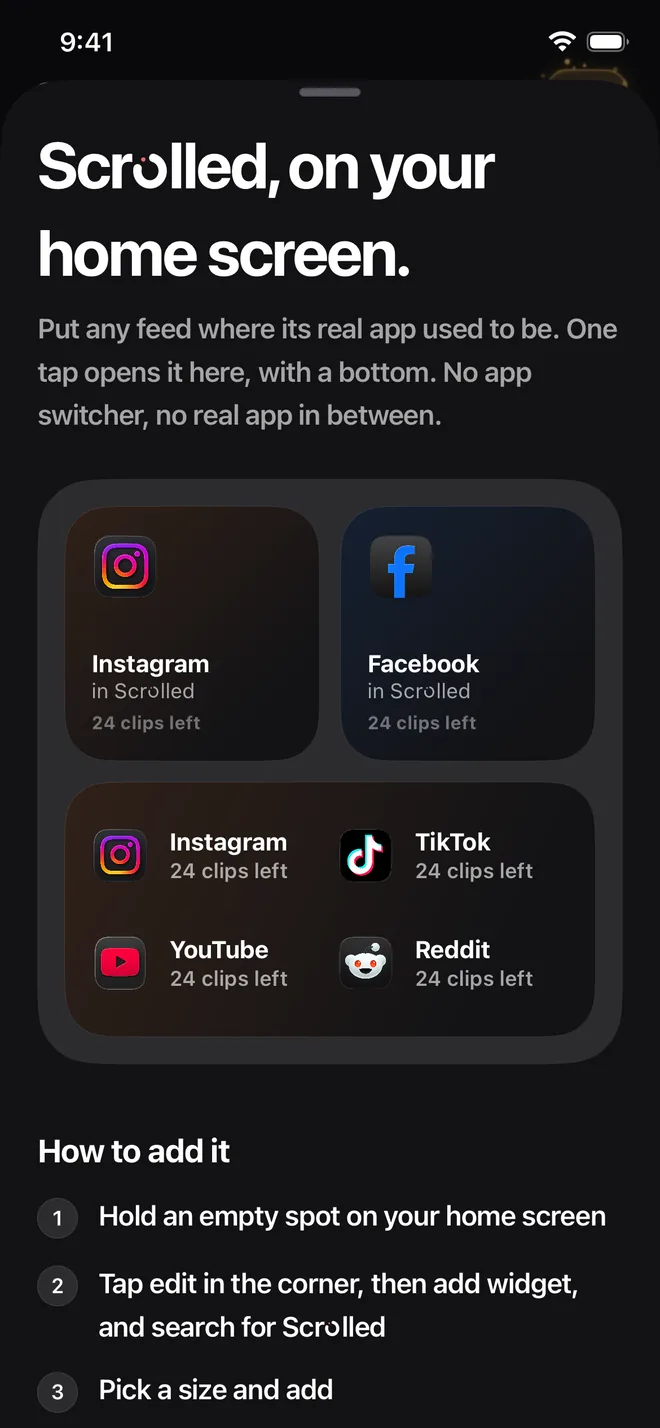
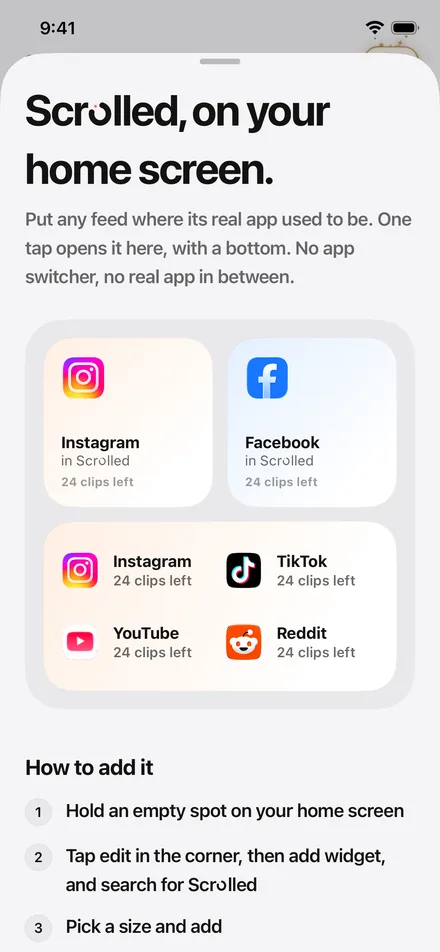
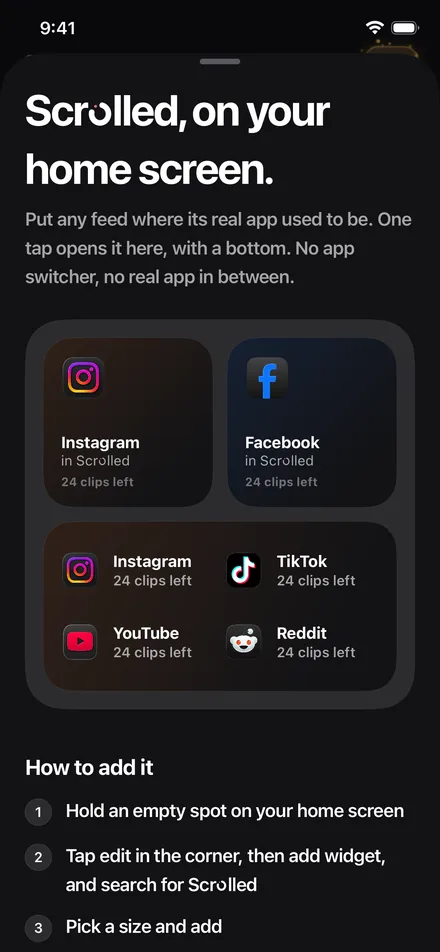
Home Screen widgets open a feed in Scrolled with one tap and show what's left today. A guided shortcut puts Scrolled right where the old app used to be.
Change it freely at first. After that it can go down any day, and up only once a week.
Once it's on, turning blocking off takes a full day, and moving the phone's clock won't speed it up. Future you will be annoyed. That's the point.
Uninstall protection stops Scrolled from being deleted while it's on. Hard mode turns it on for you.
Unlock a blocked app for one to five minutes. You get a heads-up 30 seconds before it locks again, and a tap brings you back.
You sign in on each social app's own website, and your logins go only there. Your answers, your limit and your stats stay on your phone. Your Screen Time hours are drawn by iOS itself; Scrolled can't read them.
No. Scrolled ends feeds instead of blocking them. You get a set number of clips a day, and once they're used, the endless feed stops until tomorrow. Your messages, profile, search and the rest of each app keep working. If you want, Scrolled can also use Apple's Screen Time to keep the original apps closed, so you use the version with an end.
Yes. An optional mode keeps Instagram's banners, sounds and DMs coming while its feed stays shut. Tap one and you land in Scrolled, right on Instagram. A short guide in Settings sets it up and checks that it works. Other blocked apps hold their notifications while they're blocked.
Yes. Only the endless feed ends. On Instagram, TikTok, X and Facebook, the end card has a button straight to your messages, and your profile and search stay open too.
Instagram, TikTok, YouTube, X, Reddit and Facebook. Each one opens inside Scrolled, and you sign in with your own account on that site's own login page.
New short videos: Reels, Shorts, TikToks, Facebook reels and videos in X's viewer. Going back to one you just watched is free, regular YouTube videos don't count, and posts opened from a profile or a message are free. On X's timeline and Reddit's front page, about a screen of scrolling counts as one clip.
Use an unlock. From Home you can open one blocked app for one to five minutes. You get a heads-up 30 seconds before it locks again, and a tap brings you back to Scrolled when time's up.
Not whenever you like. You can change it freely for your first few days. After that it can go down any time, but up only once a week. Hard mode goes further: once it's on, turning blocking off takes 24 hours.
Not if you turn on uninstall protection, which also comes on with hard mode. iOS applies that lock to the whole phone, so other apps can't be deleted while it's on either.
No. There's no Scrolled account and no server. You sign in on each site's own page, and Scrolled never sees your password. Your answers, limit and stats stay on your phone, and your Screen Time hours are drawn by iOS, where Scrolled can't read them.
No. Every Scrolled notification is made on your phone, in answer to something you did, like an unlock that's about to end. There are no ads and no marketing notifications.
It's free to download. Scrolled's features need a subscription or the one-time lifetime purchase, both through the App Store.
Any iPhone on iOS 18 or later.
The page ends here. Your feeds can too.